












A well-structured employee roster is the backbone of daily operations in any shift-based environment. When it Walk into most plants on a Monday morning and you can usually tell within ten minutes whether the employee roster held up over the weekend. Either the right people are already on the line, or someone is still on the phone trying to figure out who is actually coming in. The difference rarely comes down to one dramatic failure. It is usually a dozen small gaps that were never closed when the schedule was first built.
An employee roster is the list of who is supposed to be where, on which shift, doing which job. That sounds basic until you add the constraints that actually govern a 24/7 operation. Certifications expire. People have restrictions written into their agreements. Demand moves because a customer order changed or a piece of equipment is down. The roster has to absorb all of that without creating a new problem somewhere else.
What the Employee Roster Is Really For
The obvious job is coverage. You need enough qualified people to run the work that is scheduled. The less obvious job is giving employees a schedule they can plan around. Those two goals conflict when the process is loose. Supervisors want the ability to move people when something breaks. Employees want enough advance notice that a change does not force them to rearrange childcare or a second job.
In practice, this shows up in the pattern itself. A plant that still runs a mix of 12-hour and 8-hour shifts will see different problems on each. The longer shifts look efficient on paper until three people call off and the remaining crew is already close to their weekly limit. The shorter shifts cover the clock but leave thin coverage at the handoff if the roster did not account for the time it takes to get the next crew in place. Neither problem is fixed by adding more names. Both require the employee roster to reflect how the plant is actually running.

Where Most Employee Rosters Start to Fail
Most US workers struggle with their schedules. The breakdowns are usually mundane.
Someone builds the week from last week’s file because it is faster than starting over. A call-off comes in by text, another by voicemail, and a third through the app. Only one of them gets entered before the shift starts. The person who normally works that station is already at the hours limit, but that information lives in a different spreadsheet. By the time the gap is clear, the options left are overtime or running short.
These are not edge cases. They are what happens when the employee roster is maintained in more than one place and updated by more than one person. Supervisors end up spending the first hour of the shift correcting it instead of managing the work.
A Process that Actually Holds
The steps are not complicated. They do need to happen in the same order every time:
- Begin with the work, not the people. If three lines are scheduled and two of them require a specific certification, those requirements go into the plan before any names are assigned. The same applies to rest rules, consecutive-day limits, and any contractual language about how overtime is offered. Skipping this step is how unqualified people end up on the schedule and how grievances start.
- Keep the employee information current. Availability, skills, and restrictions change. If the system still lists someone as trained on a job they have not run in months, the roster will keep offering it to them until a supervisor notices and overrides it. That override then has to be remembered the next time.
- Decide the order of rules in advance. Seniority, overtime balance, and skill level will not always point to the same person. The sequence should be written down so two different supervisors do not produce two different answers to the same situation.
- Publish early enough that people can use the information. Two weeks is a reasonable floor for most plants. Some go longer when the work is stable. Late schedules create their own absences because people have already made other plans.
- Treat changes as normal. When someone calls off, the update should land in the same system that holds the original roster and reach the people who have to act. Parallel conversations in texts and group chats are how coverage gets missed even when someone thought they had it handled.
What Automation Changes
Once the number of people and the number of rules both grow, manual checking becomes unreliable. Automation does not remove decisions. It removes the time spent verifying that basic constraints were followed.
It can generate a starting schedule from current demand instead of copying last week. It can block an assignment that would break a rest rule or use someone whose certification has lapsed. When a call-off arrives, it can begin the process of finding a qualified replacement instead of waiting for a supervisor to start calling. Employees can open the current version from their phone rather than relying on a printout that may already be wrong.
Supervisors still decide the exceptions. They just spend less of the shift discovering that an exception was needed in the first place.
What Improves When the Roster is Tight
Coverage tends to rise first because open shifts are visible earlier. Overtime hours usually fall when the base schedule already spreads the work instead of depending on last-minute fills. Call-offs come in with more notice once there is one clear way to report them and employees can see the effect on their own hours. Supervisors get time back that used to go to rebuilding spreadsheets and tracking who accepted a shift.
Retention often moves as well. Unpredictable schedules are one of the reasons people leave frontline jobs. A roster that is published on time and updated in one place does not solve every issue, but it removes a recurring source of frustration.
Questions that Come Up
What is an employee roster?
It is the schedule that assigns specific employees to specific shifts and roles for a set period. Its purpose is to make sure the work that needs to be done has someone who is qualified and available to do it.
How to make an employee roster?
Start with the work that needs to be covered and the rules that apply. Match available, qualified employees to those shifts. Publish it with enough notice for people to plan, and keep one place where changes are recorded when someone is absent or demand moves.
What is the purpose of a roster?
The purpose is to match the people you have to the work you need done while staying inside labor rules and giving employees a schedule they can rely on. When it works, supervisors spend less time fixing coverage and more time managing the operation.
What is a job roster?
A job roster focuses on particular positions rather than just listing who is working. It shows which employees are assigned to specific jobs on a given shift. That distinction matters when the work requires particular skills or certifications that not everyone holds.

How Indeavor Silences the Chaos
An employee roster app that is built from current demand, kept in one place, and visible to the people who need it will not stop every disruption. It will keep most of them from arriving as surprises. For operations that have been managing coverage through spreadsheets and phone calls, that change is usually where the time and cost improvements start.
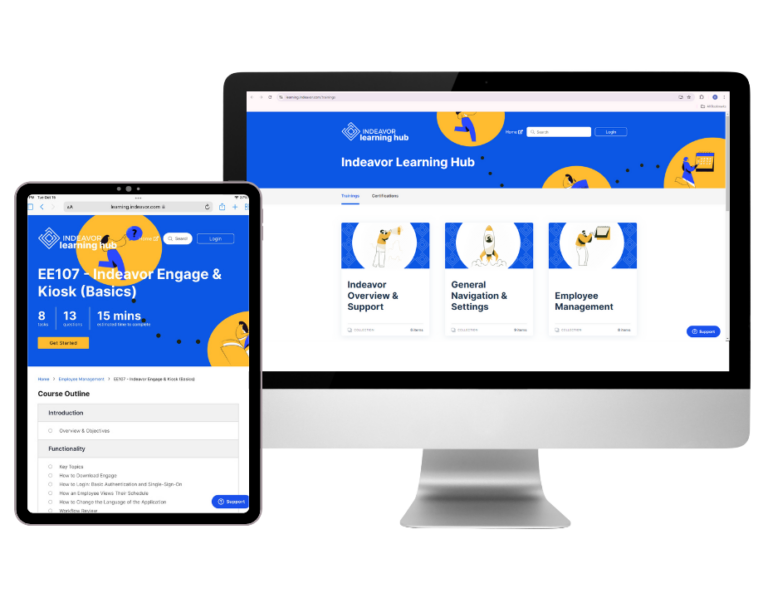
Indeavor works with plants that need the employee roster to handle complex rules, real-time call-offs, and multi-week schedules without constant manual rebuilds. The system generates the base schedule, captures absences, and supports backfill so the roster stays current instead of becoming another document that has to be chased.
Share this post


